Arch Linux · Hyprland · Quickshell
A complete, beautiful Arch Linux desktop with 13 curated themes, adjustable translucency, GPU-aware installation, and a single-command installer that takes you from a minimal Arch ISO to a full desktop.
Curated defaults, powerful customization, and a unified theme system that syncs across every application.
Catppuccin, Dracula, Gruvbox, Nord, TokyoNight, and 8 more. Switch instantly with SuperT — all apps sync in 30–45 seconds.
Clean flat panels with adjustable opacity, accent borders, specular highlights, and 150ms smooth transitions on every hover and state change.
Clone the repo and run ./install.sh. The installer handles GPU drivers, AUR, the full graphics stack, and all desktop components.
Auto-detects NVIDIA (dkms/nouveau), AMD, Intel, and Hybrid GPU configs and installs the correct driver stack with proper env vars.
Zero prompts, fully automated. Ideal for scripted installs, VMs, or when you just want the defaults applied with no questions asked.
Browse theme-matched or all wallpapers in a flat grid. Last choice persists across reboots via ~/.config/quickshell/last-wallpaper.
Rounding, border thickness, workspace style, font, and bar size all survive theme switches. Settings stored in a clean JSON file.
Full iCal URL support with RRULE recurring events (daily/weekly/monthly/yearly), timezone handling, event indicators, and 15-min auto-refresh.
Login screen and lock screen automatically receive your active theme's colors and wallpaper whenever you switch themes.
GTK, Kitty, Firefox, Neovim (AstroVim), VSCodium, Mako, Hyprlock, Starship — all get your active theme colors automatically.
Live resolution, refresh rate, and scale controls per monitor in the Settings panel — changes apply immediately via Hyprland.
Hyprland config split into focused files: monitors.conf, keybinds.conf, look-and-feel.conf, and more. Easy to maintain.
Pick a background and up to 8 accent colors — every other color is derived automatically. Save, edit, and delete your own themes right from the grid.
Pinned app launcher with adjustable screen edge, alignment, and window behavior (always on top, dodge, auto-hide) — independent of the bar.
Each component is chosen for quality, theme compatibility, and seamless integration with the rest of the system.
A modern QML-based desktop environment shell by outfoxxed. Drives the bar, all widgets, panels, and drawers with smooth animations and live property bindings.
Dynamic tiling Wayland compositor by Vaxry. Handles windows, workspaces, animations, keybinds, and effects. Configured through modular .conf files.
GPU-accelerated terminal with full theme sync. Colors update automatically with each theme switch. Supports the kitty graphics protocol for fastfetch logo rendering.
Wayland-native notification daemon fully themed to match your active palette — adjustable-opacity background, thin urgency-aware accent border, compositor blur, and themed progress bars.
Wofi provides the fuzzy-search application launcher and clipboard history GUI. Cliphist captures your clipboard history in the background, surfaced via SuperV.
Modern low-latency audio with PipeWire and WirePlumber session manager. Pavucontrol provides a graphical mixer. Volume controls integrate directly into the bar tray.
Papirus icon theme with dynamic folder colors that automatically match your active accent color when you switch themes. Managed via papirus-folders.
Cross-shell prompt with a YahrShell configuration that matches your theme's accent colors. Color-only updates preserve your custom glyphs and segments.
Multi-mode screenshot widget accessible via SuperPrtScrn. Supports region, window, and fullscreen capture with configurable save path and format.
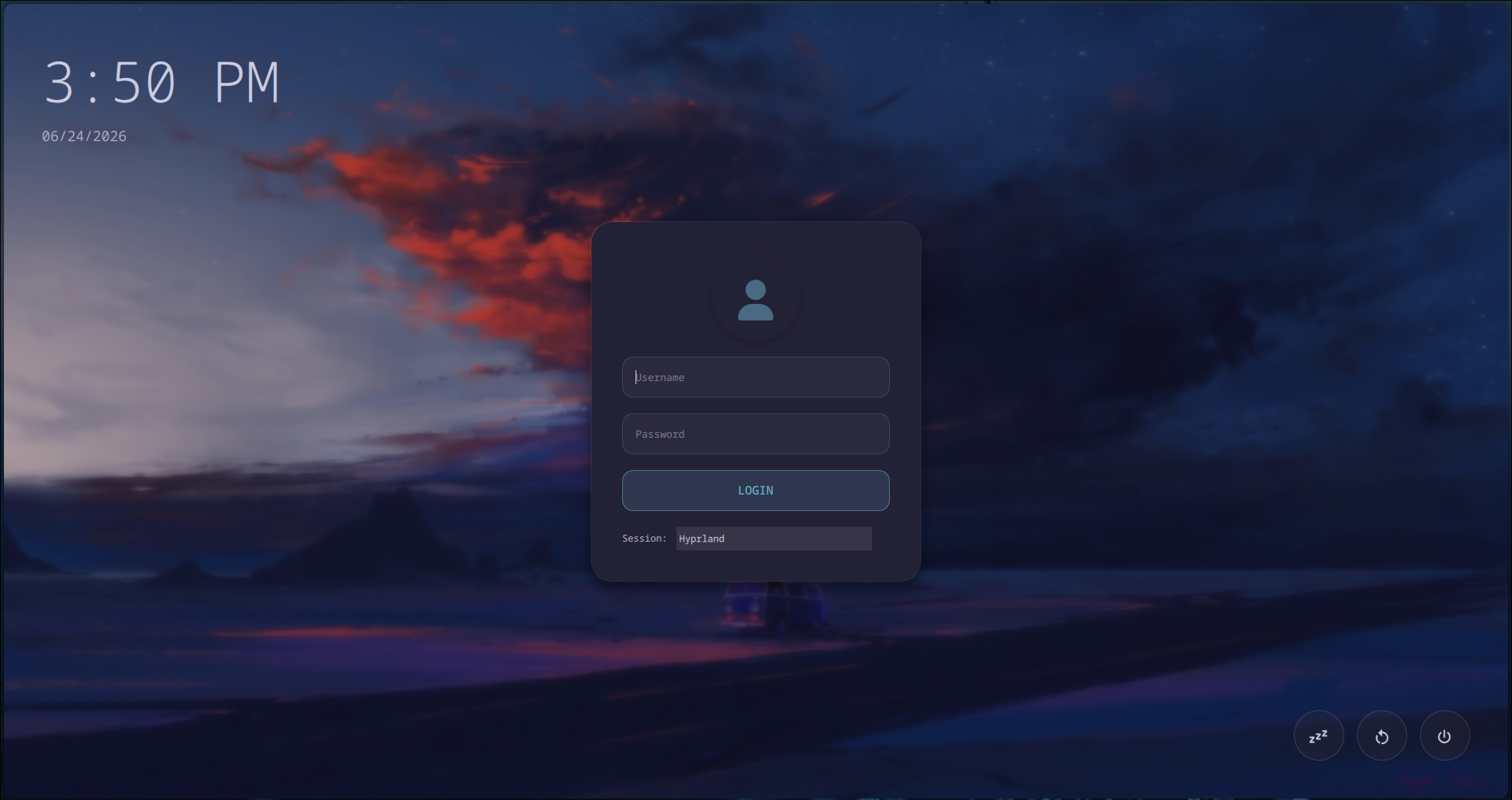
Custom SDDM theme that syncs colors and wallpaper with your system theme. Installing creates a minimal sudoers rule for passwordless sync — can be skipped if preferred.
Switch instantly with SuperT. Every color is propagated to Hyprland, GTK, Kitty, Firefox, Neovim, SDDM, and more within seconds.
switch-theme.sh call updates Hyprland border colors, GTK theme, Kitty terminal colors, Firefox userChrome, Neovim colorscheme, SDDM login screen, Hyprlock lock screen, Mako notification styling, Starship prompt, Papirus icon folder colors, and fastfetch display — while preserving all your personal settings like rounding, border thickness, and workspace style.
👆 Click a theme above to preview it
All you need is a minimal Arch Linux installation, an internet connection, and git. The installer does everything else.
Start from a minimal Arch Linux installation (base system is all you need). The installer detects and handles everything else automatically.
Minimum requirements: Fresh or existing Arch Linux install · Internet connection · git
Clone YahrShell from GitHub and enter the project directory.
The installer script handles everything: GPU driver detection, AUR helper installation, complete graphics stack (Wayland, Mesa, Vulkan, Qt5/Qt6), all desktop components, and your configurations.
The installer offers two modes. Normal is recommended for first-time users who want control over their choices.
Interactive prompts let you make every decision.
Fully automated, zero prompts.
yay as AUR helperIn Normal mode you'll also choose between a Full install (all core components + optional applications) or a Minimal install (core desktop only).
After the installer completes, reboot to apply GPU driver changes, then log in and launch Hyprland. YahrShell starts automatically.
Switch themes with SuperT · Open settings with SuperShiftS · Launch apps with SuperA
All 13 themes, custom theming, widget panels, the dock, bar styles, and the SDDM login screen. Click any image to expand.
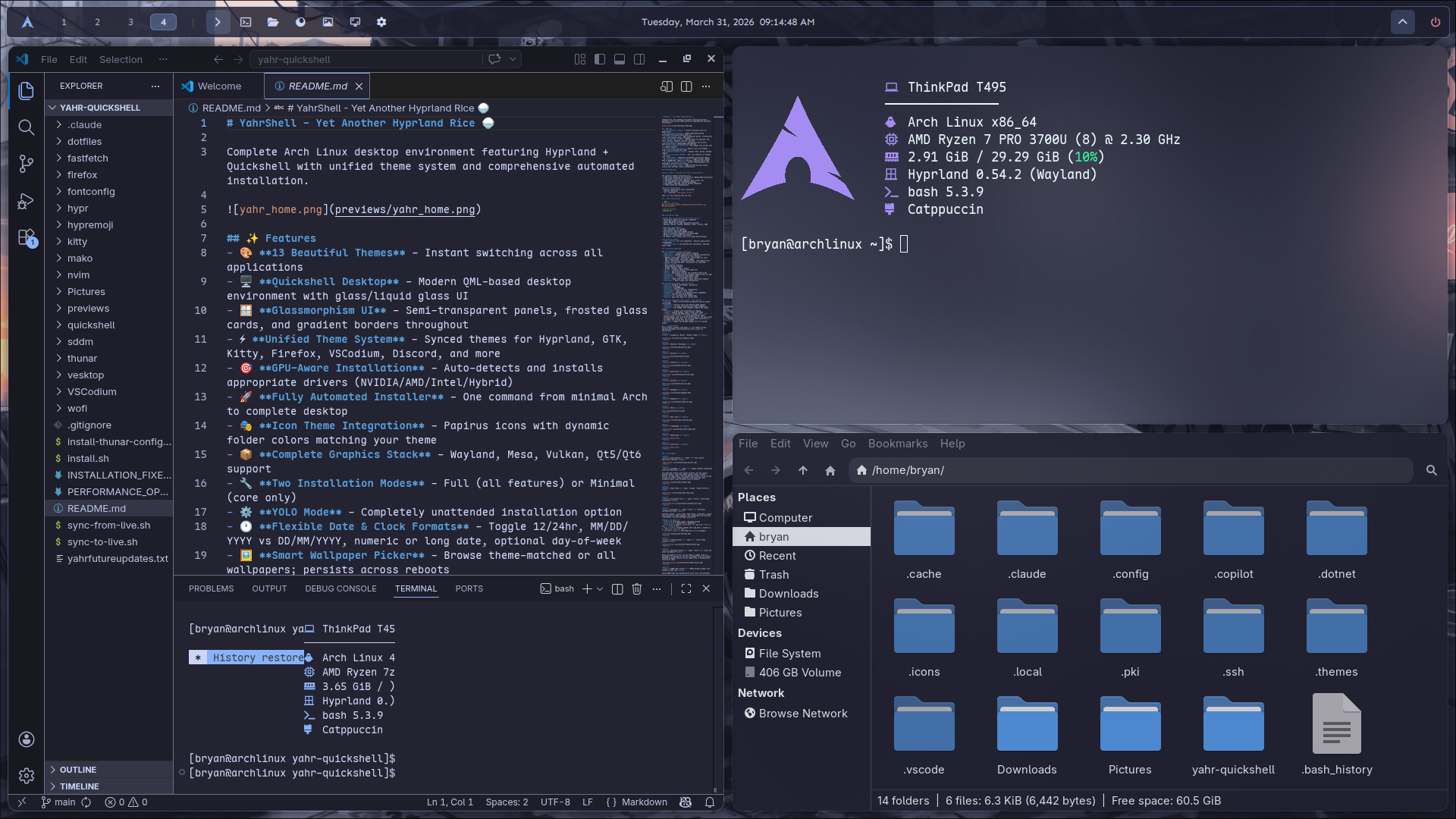
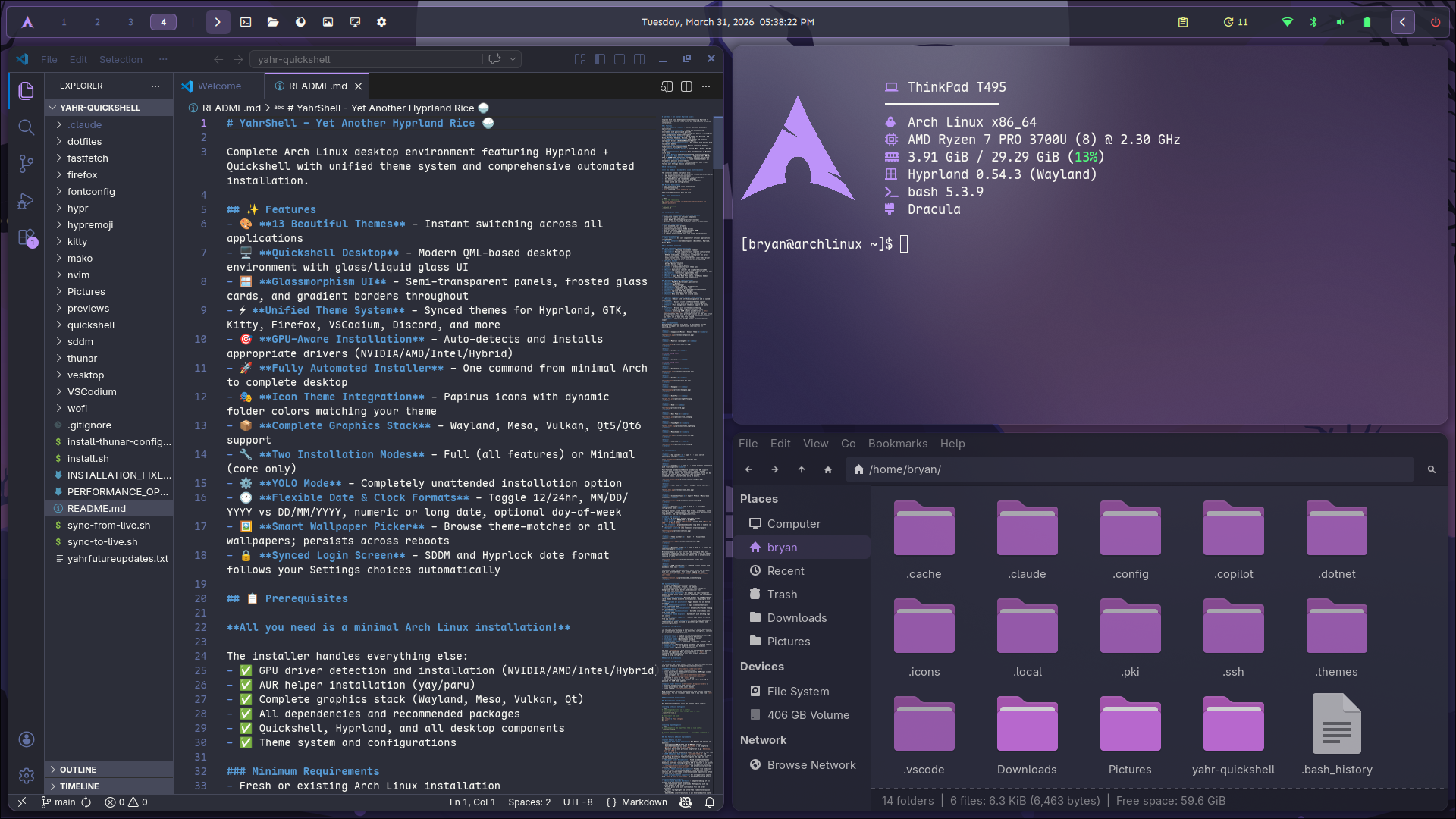
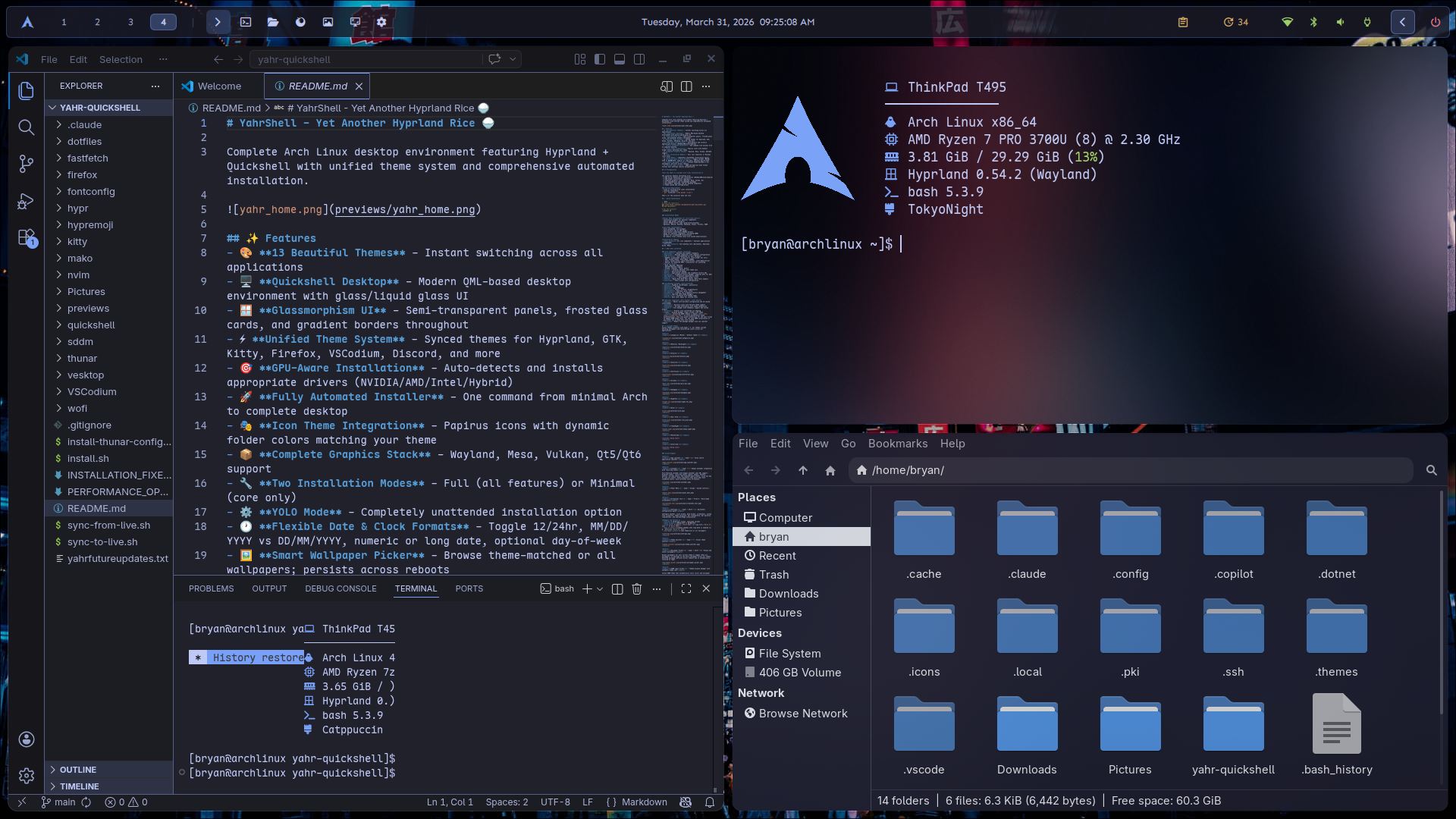
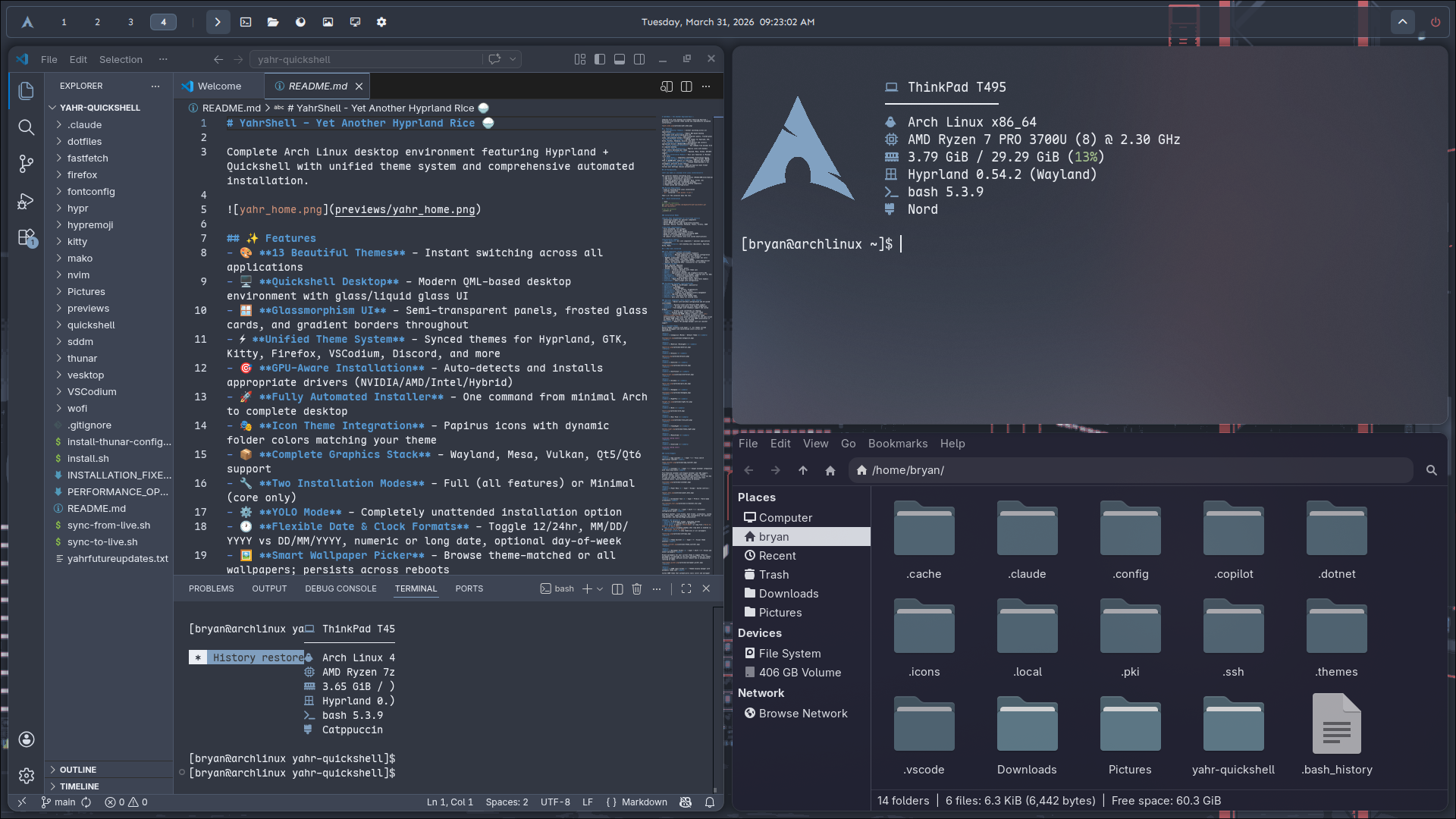
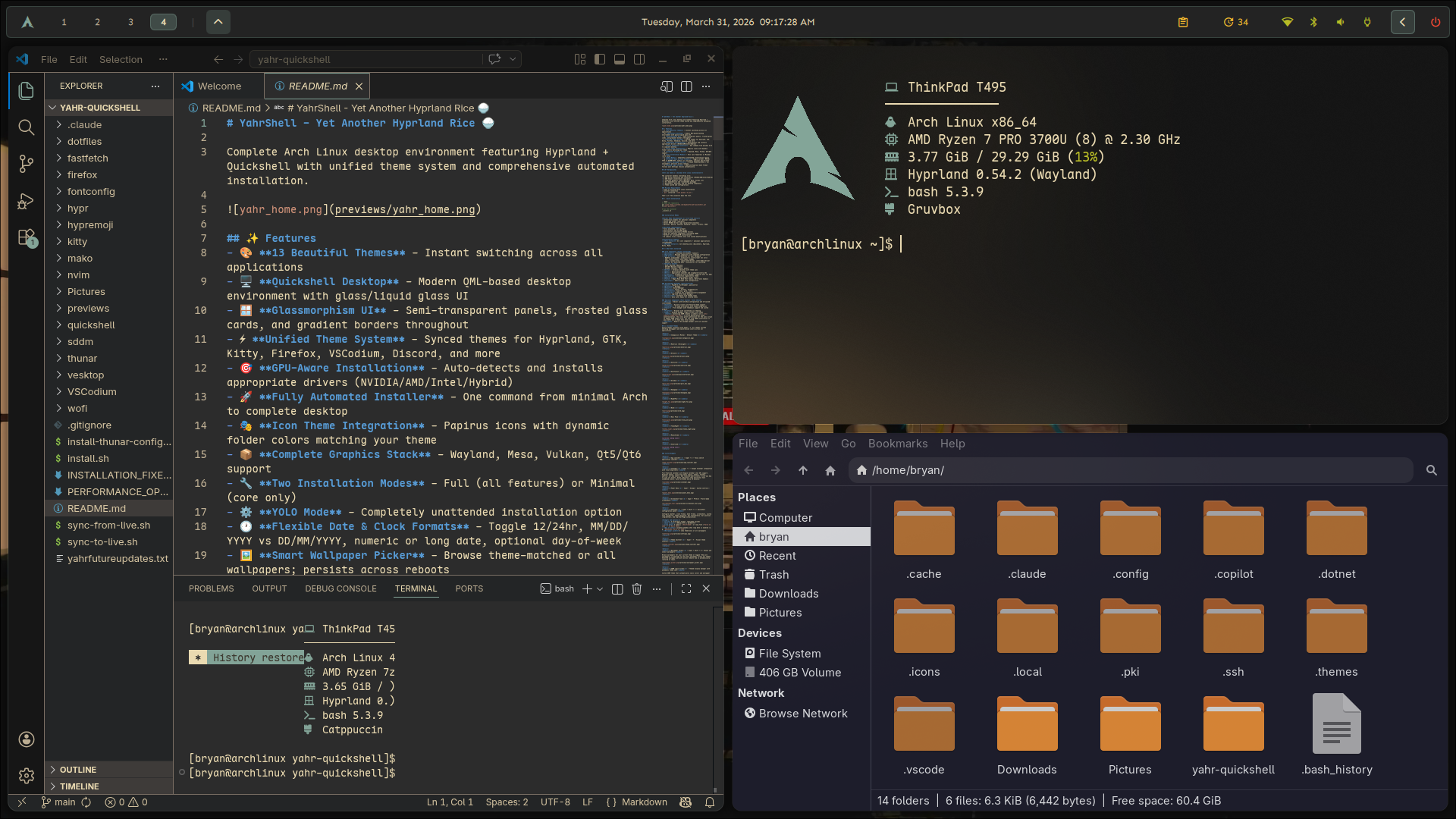
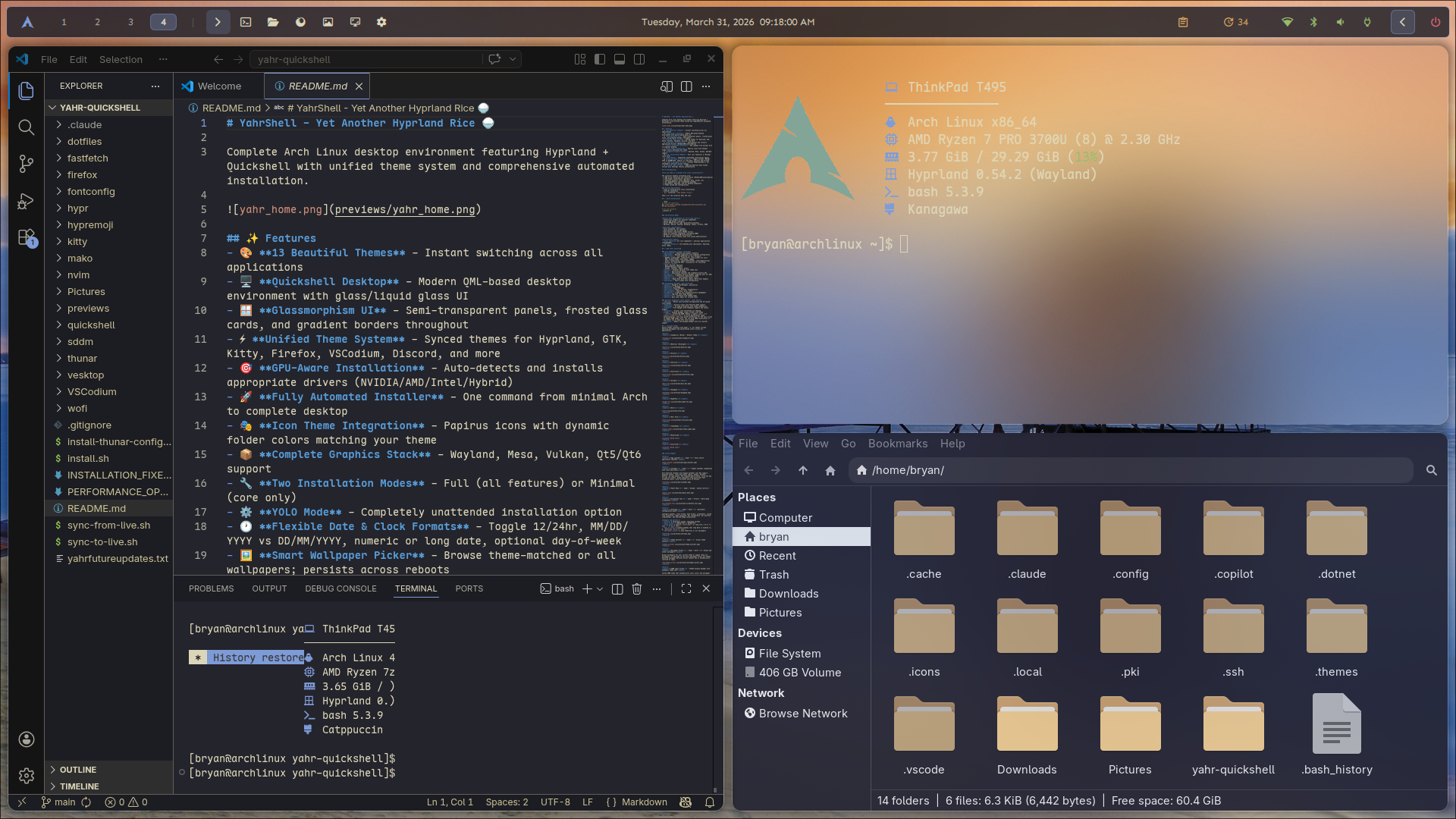
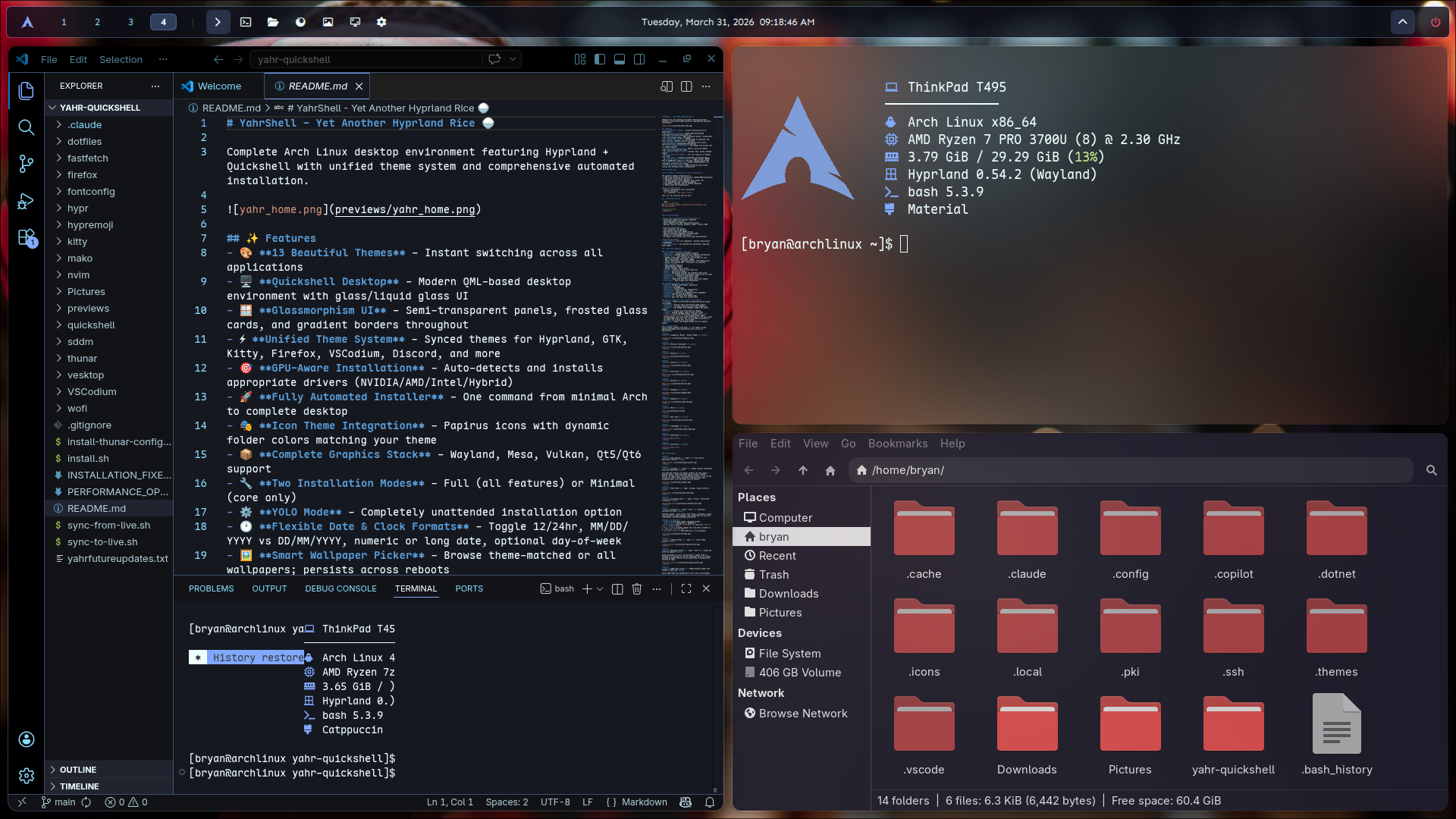
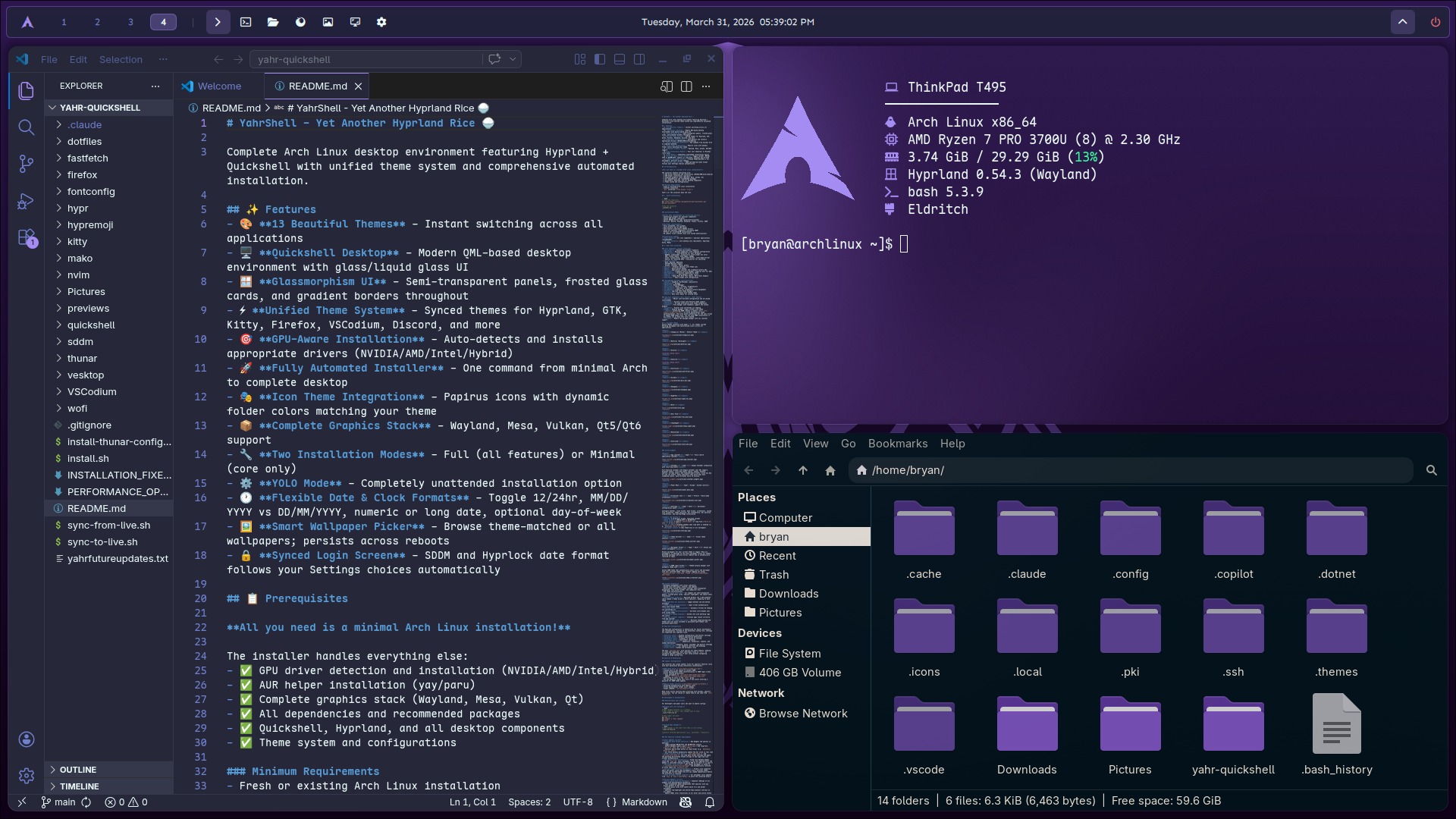
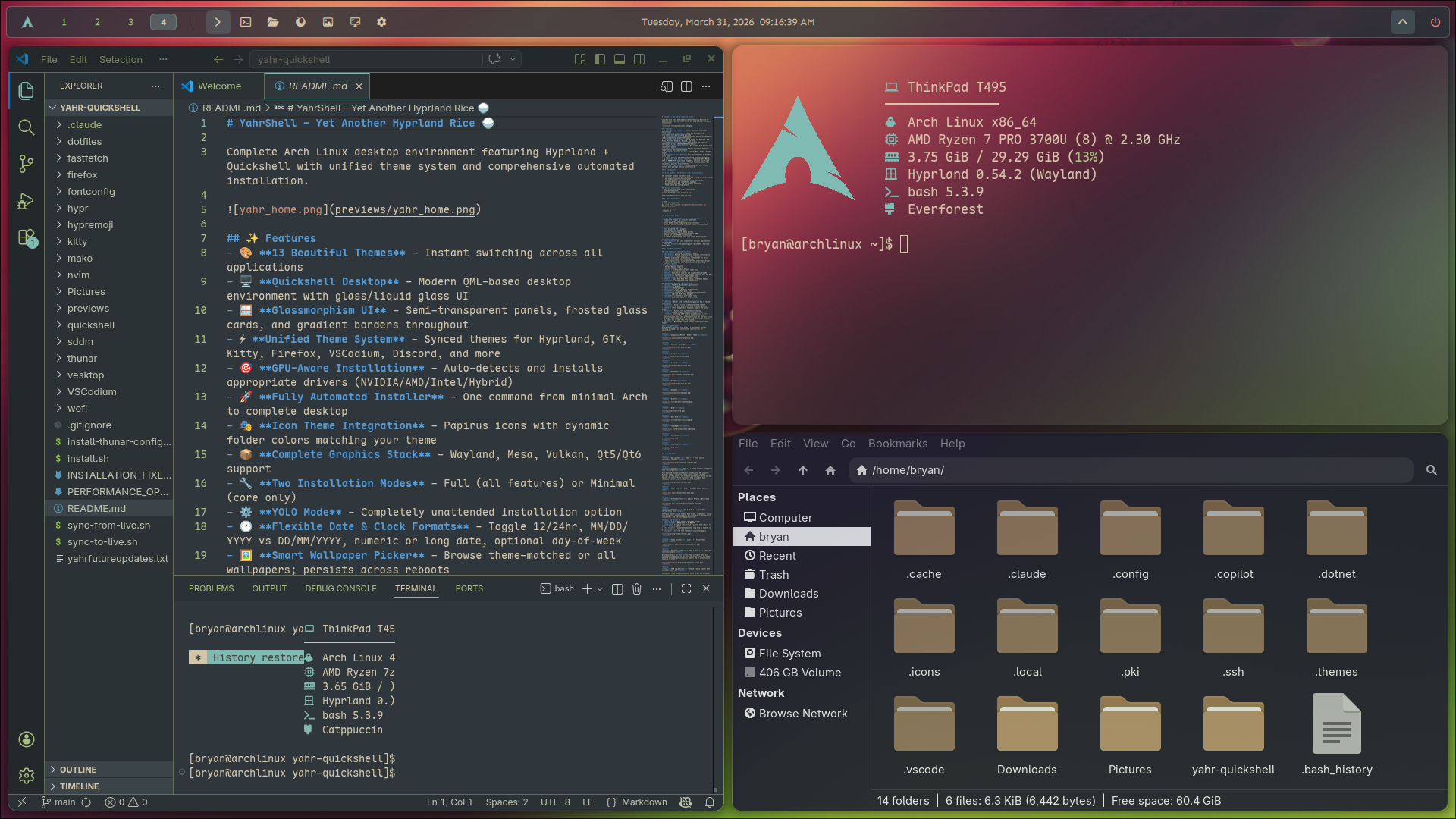
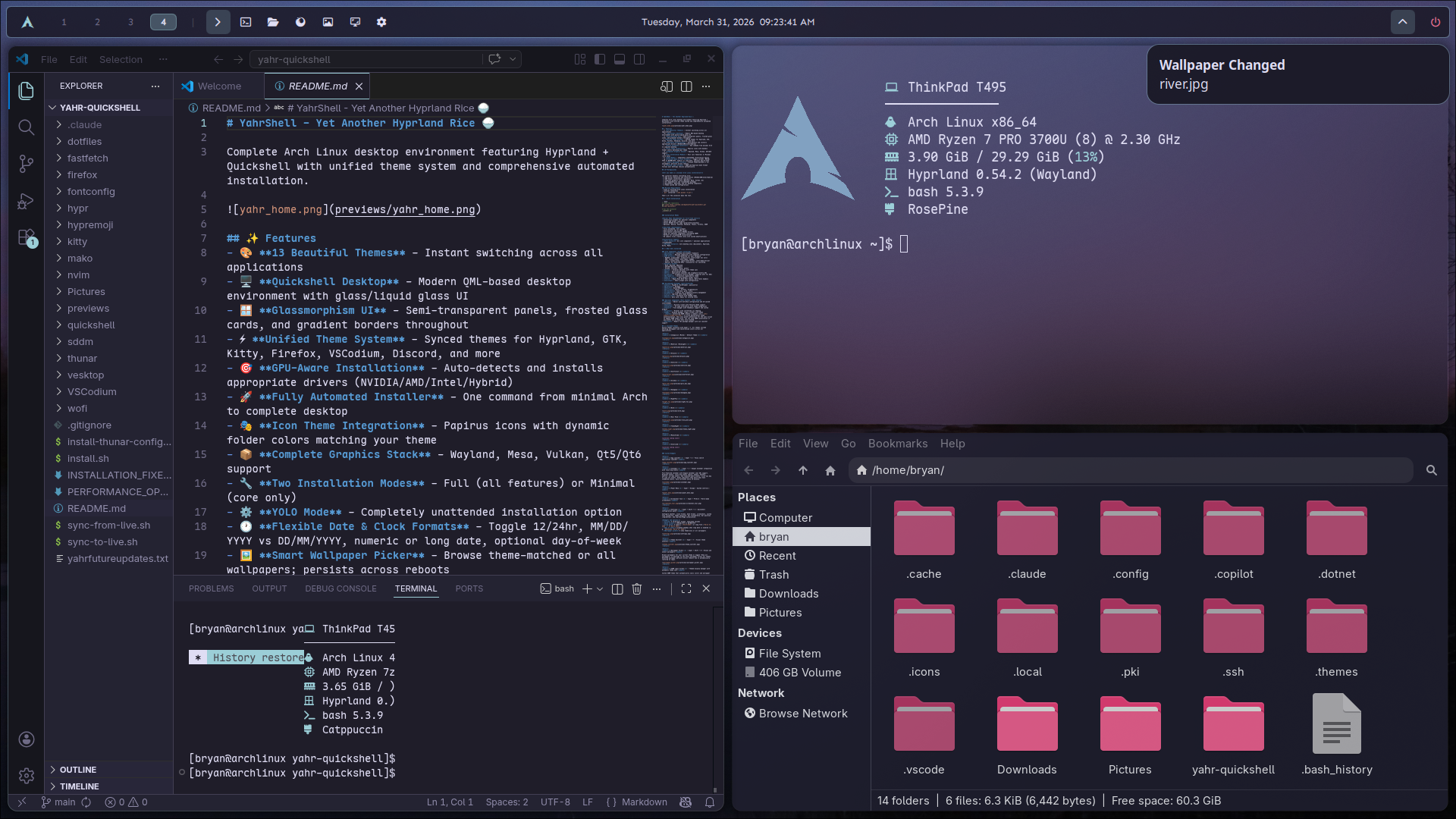
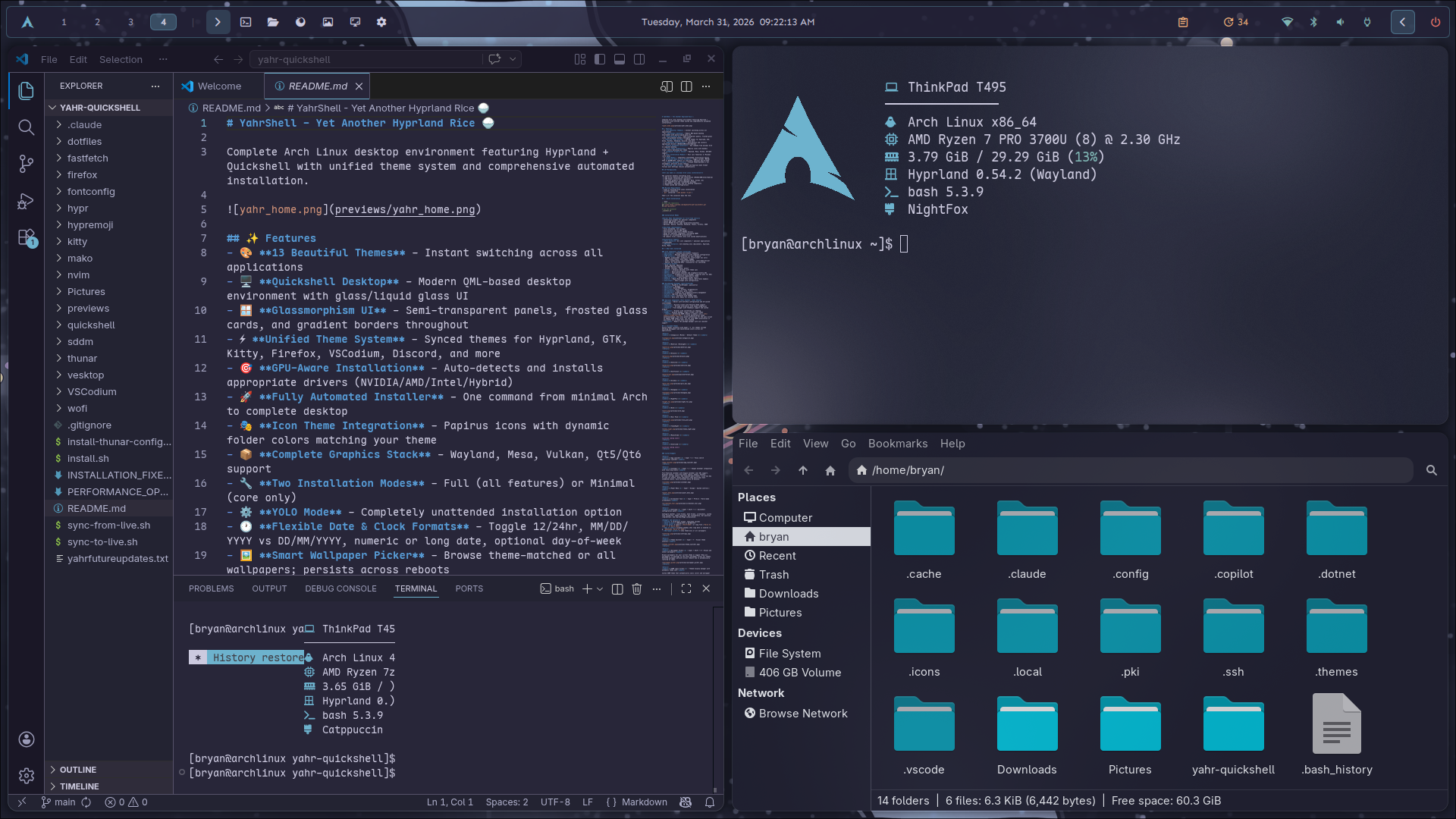
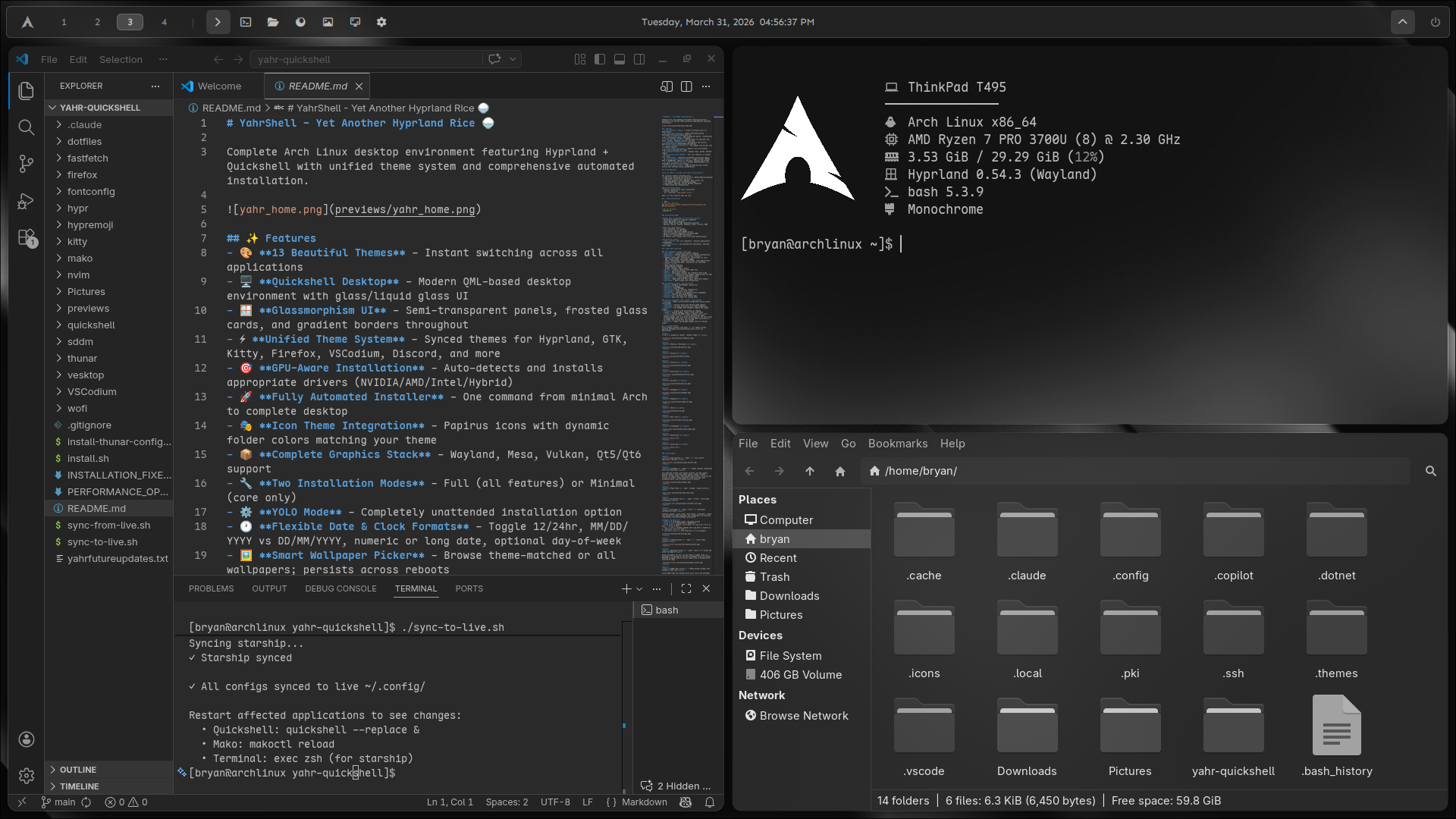
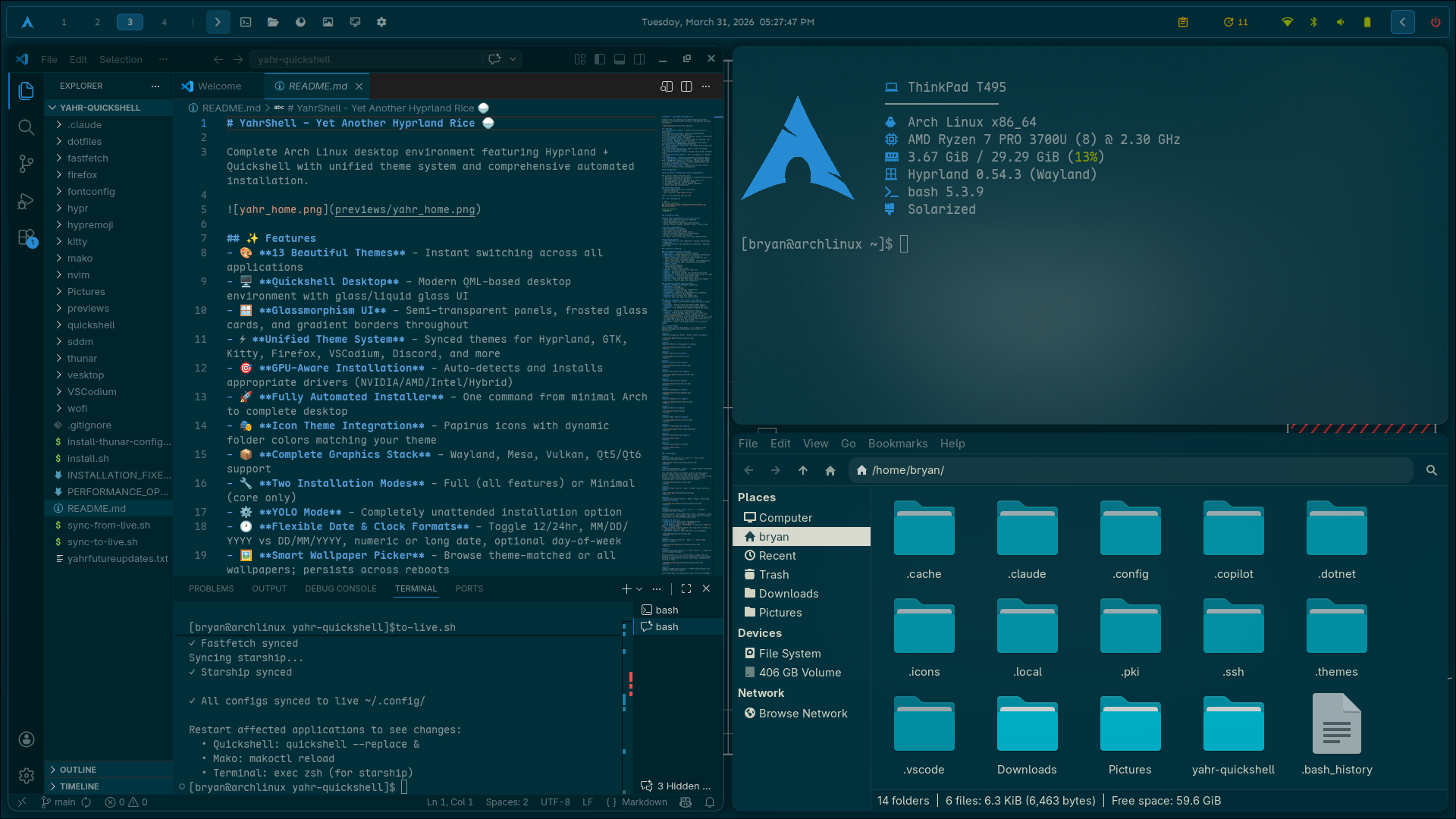
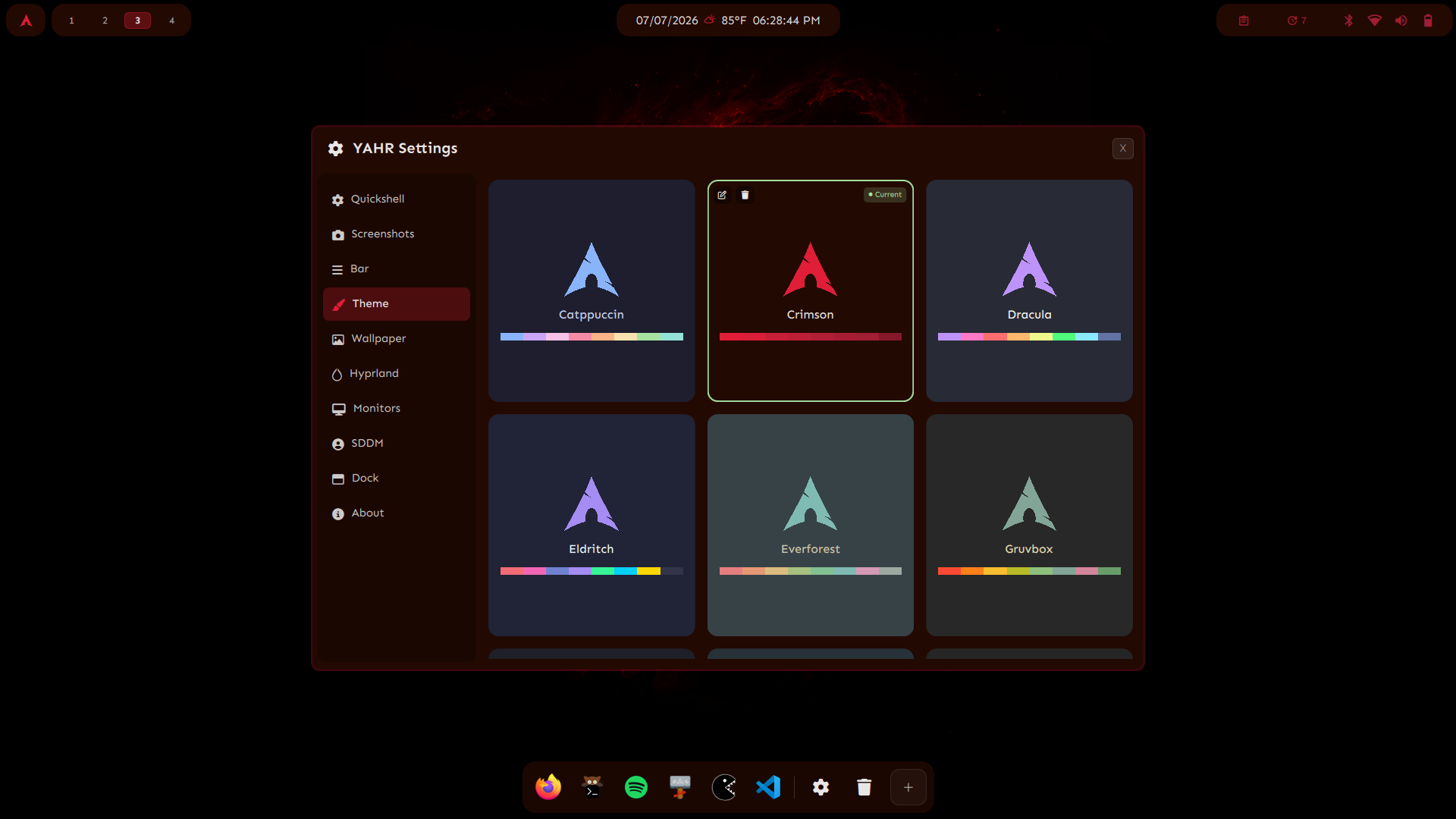
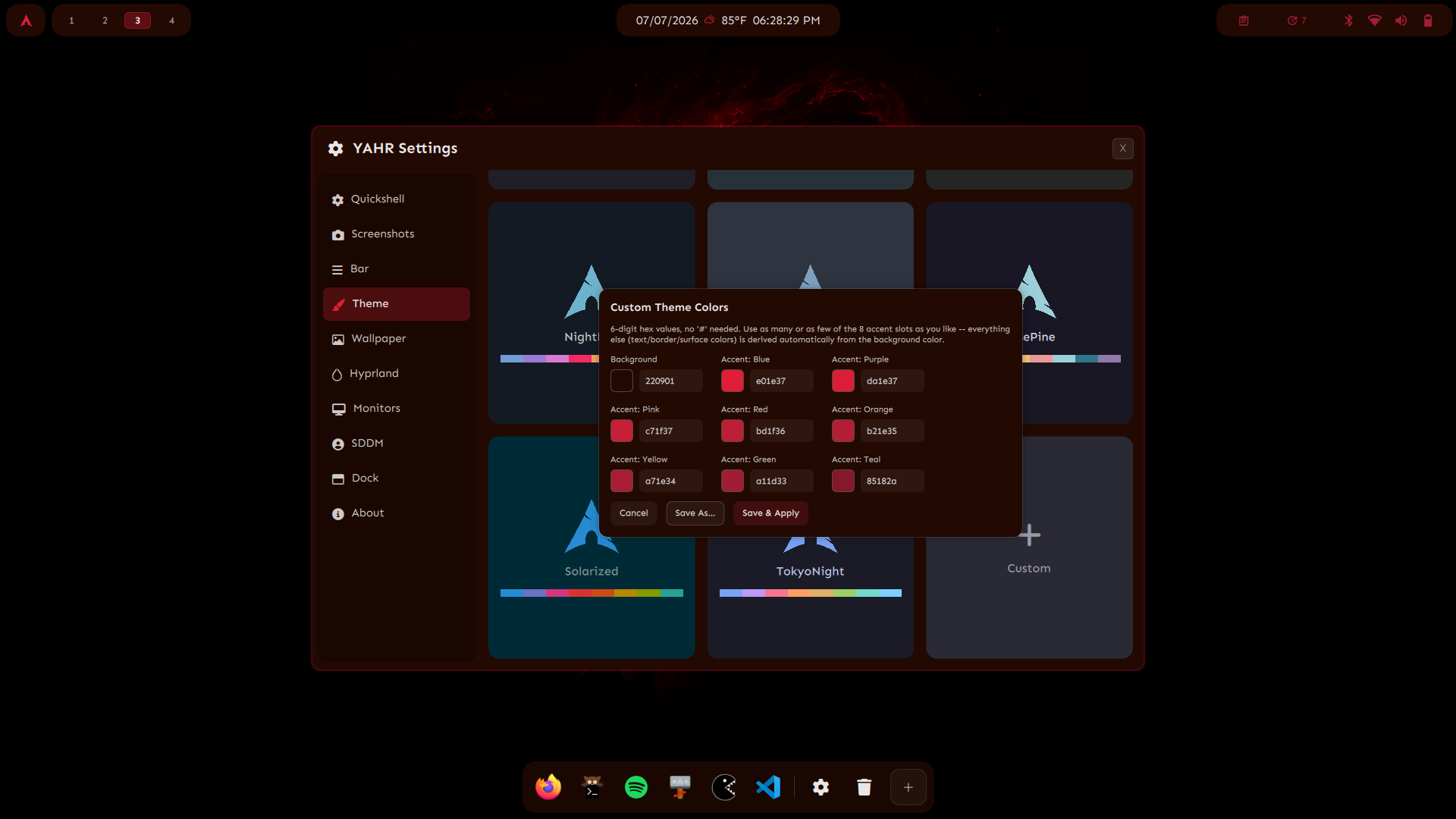
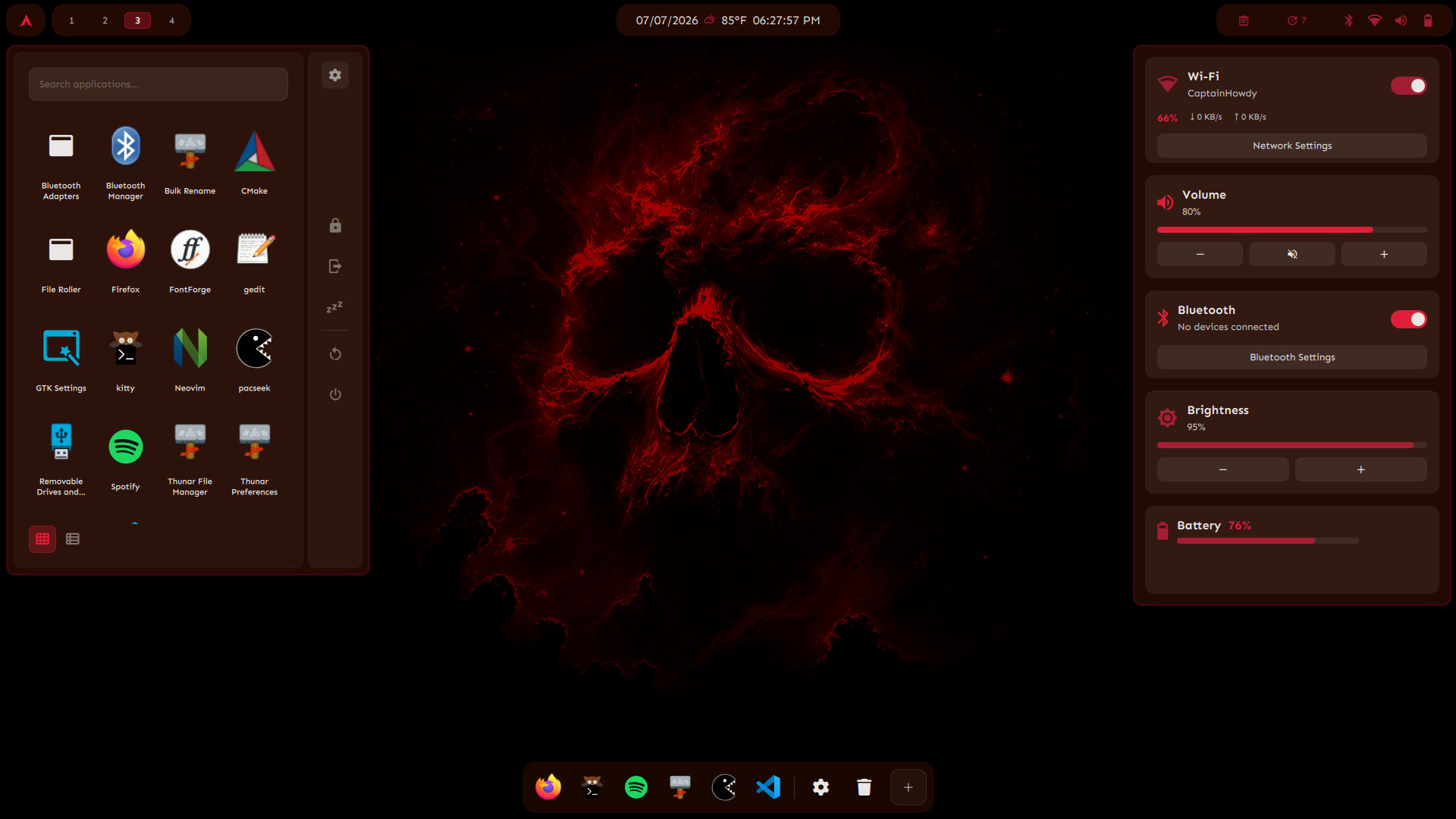
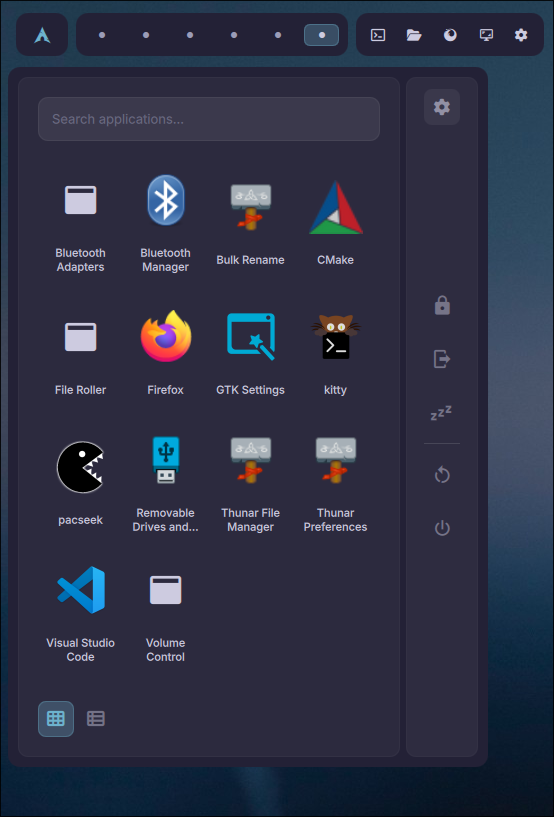
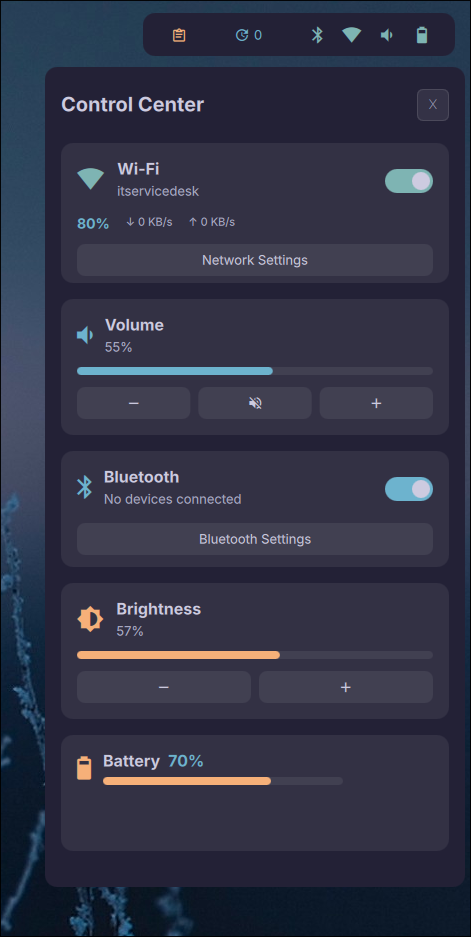
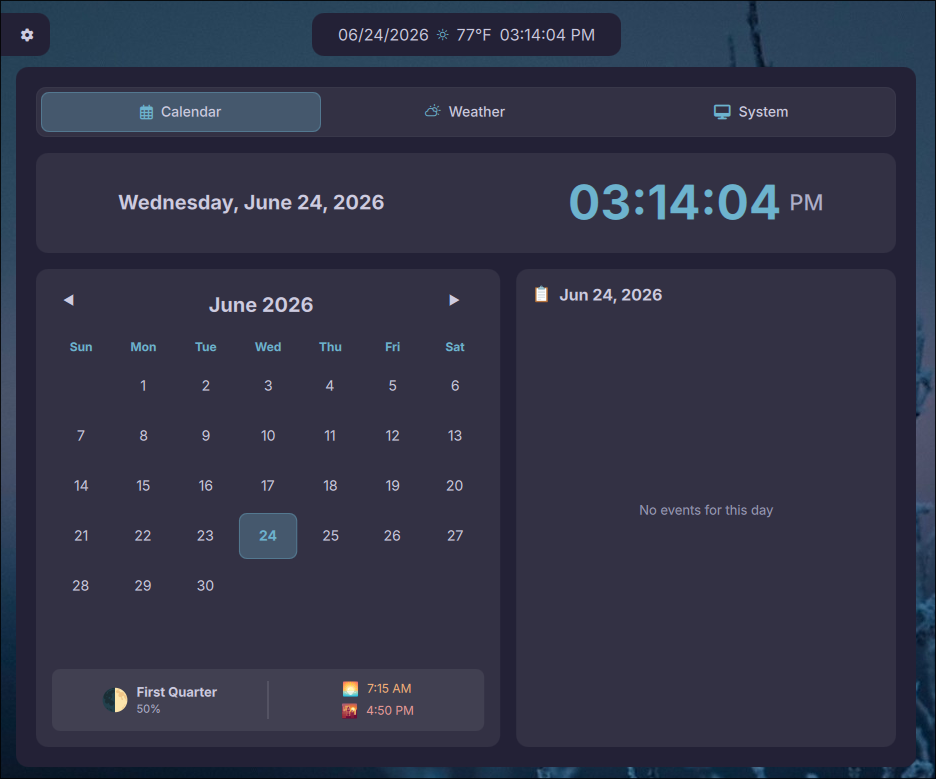
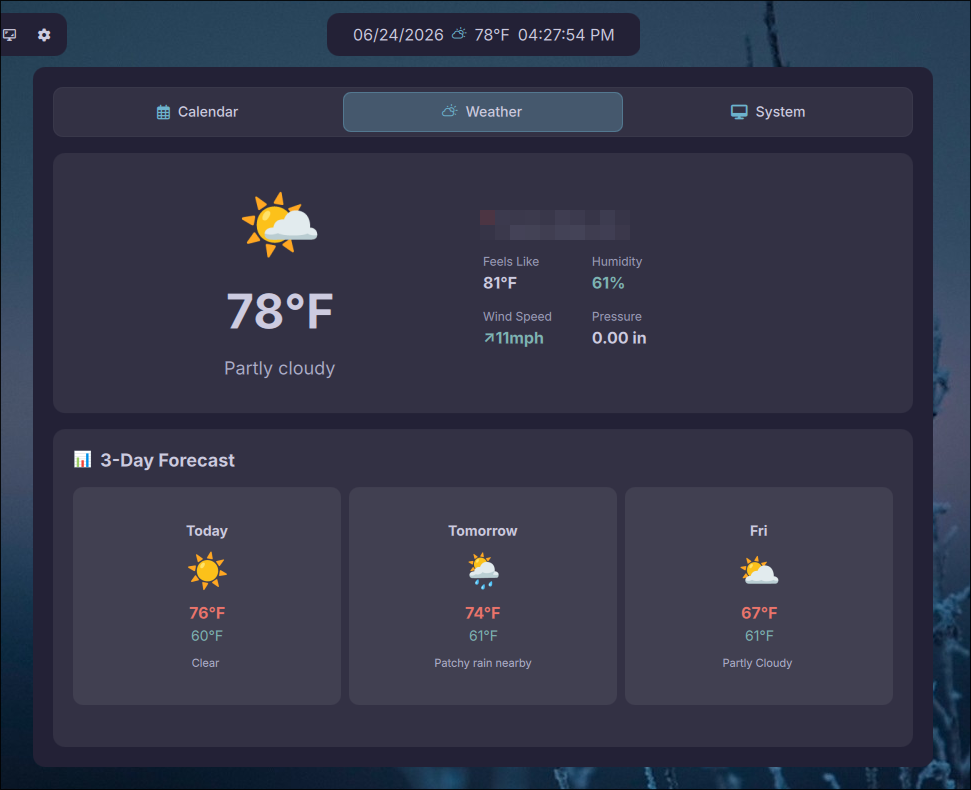
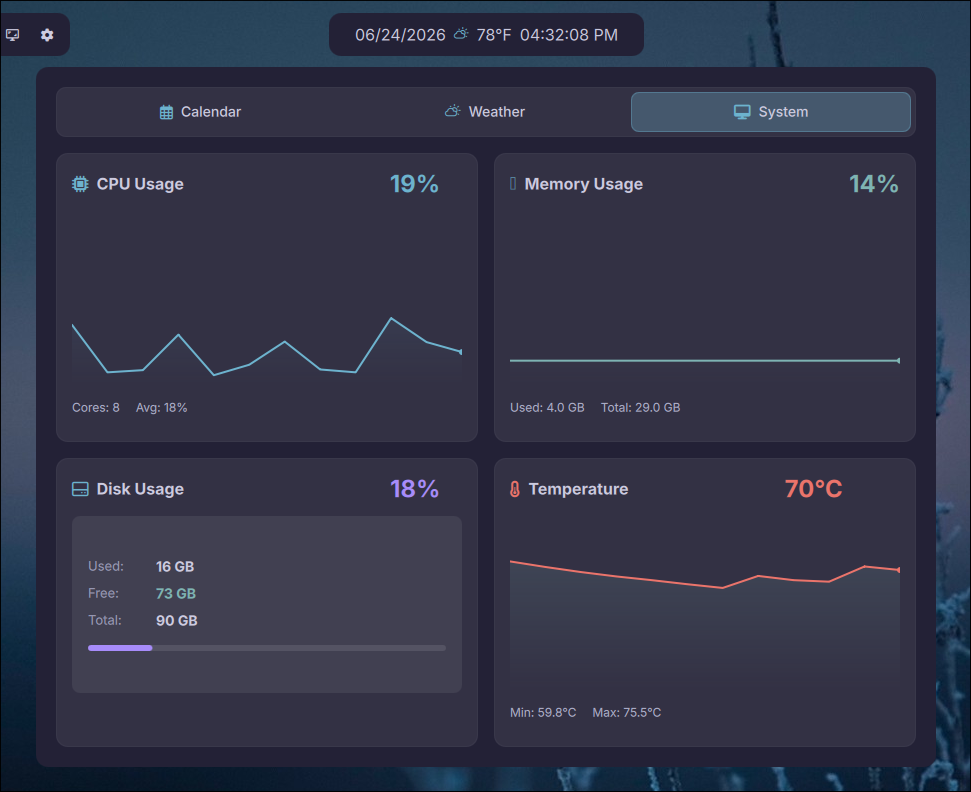
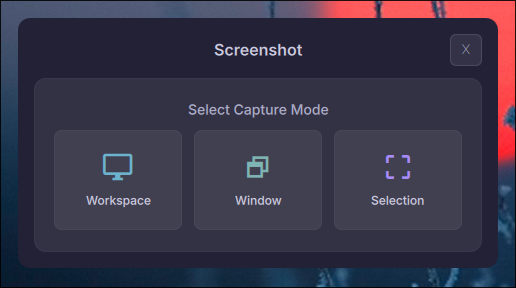
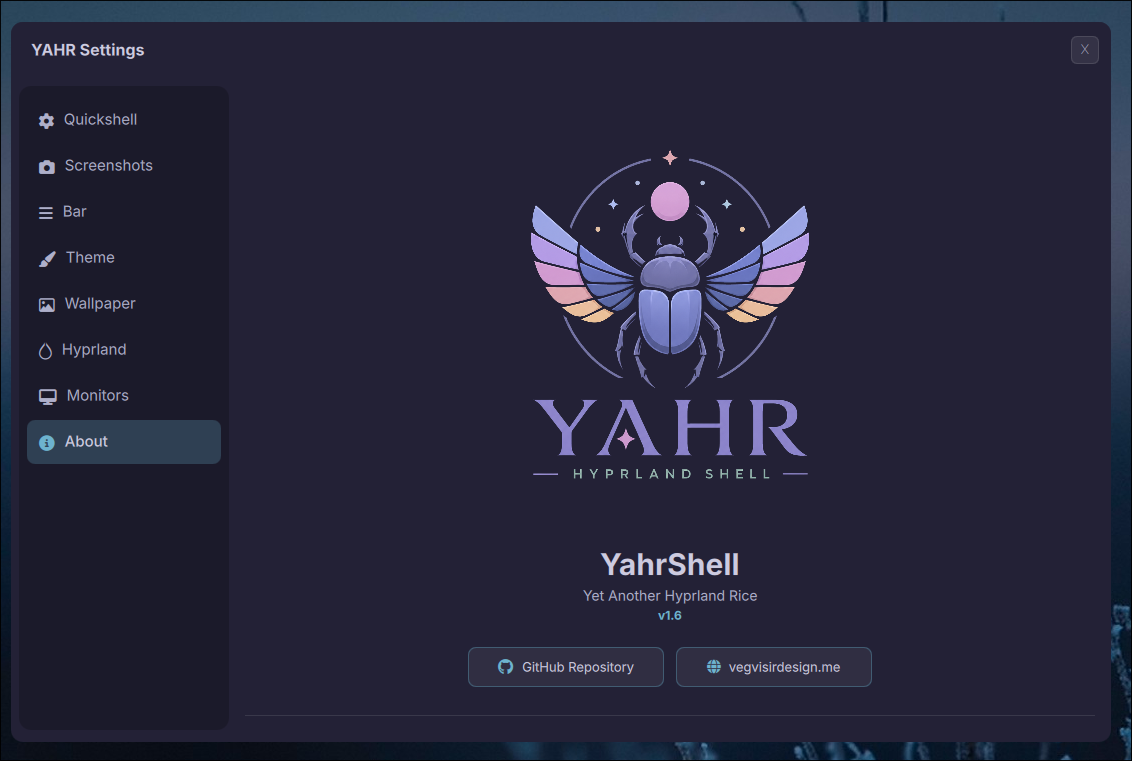
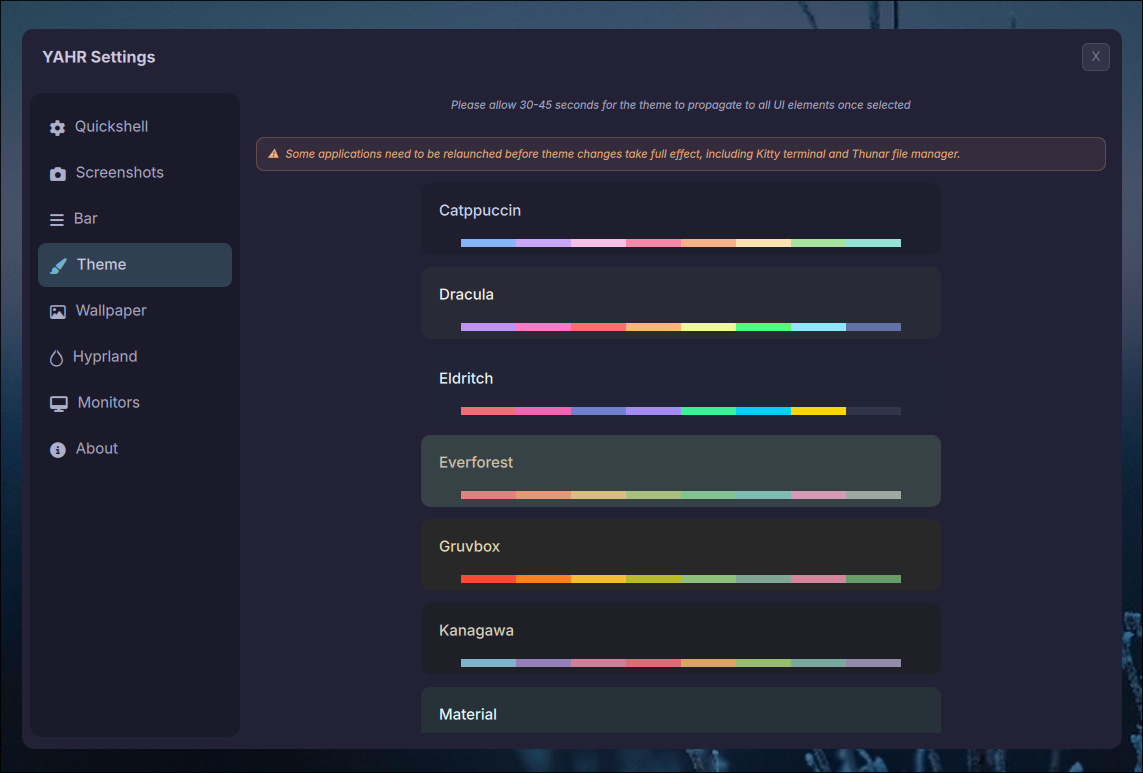
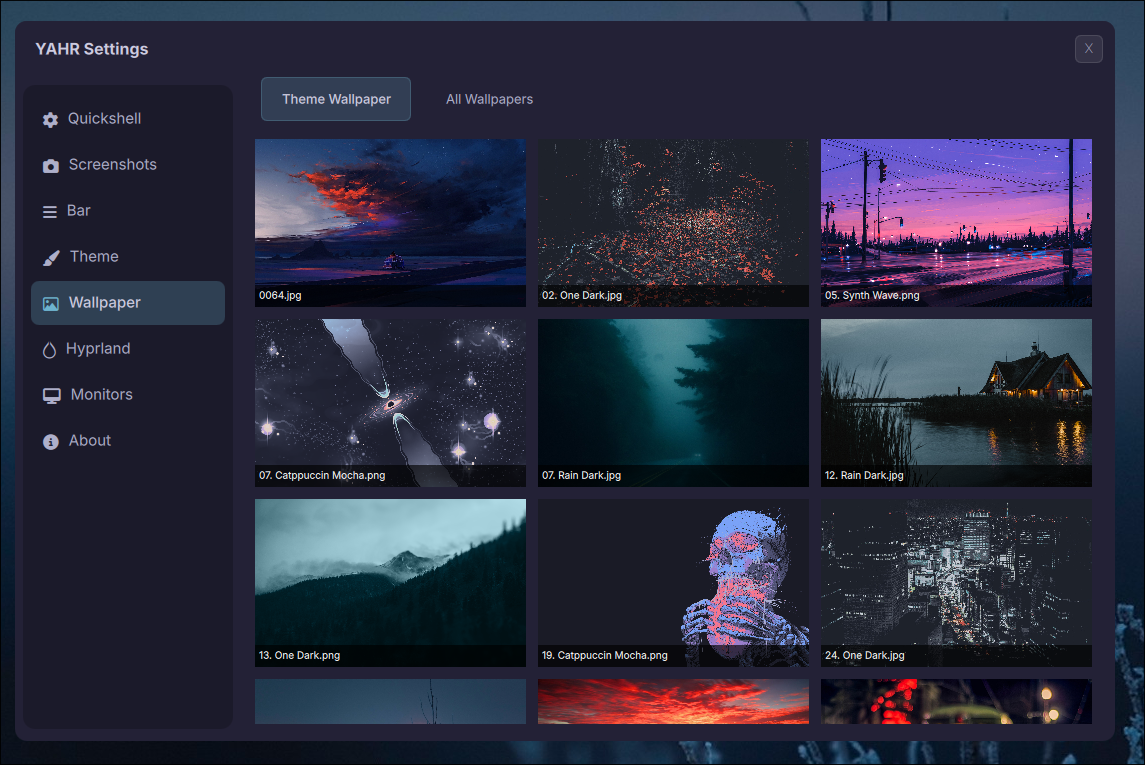
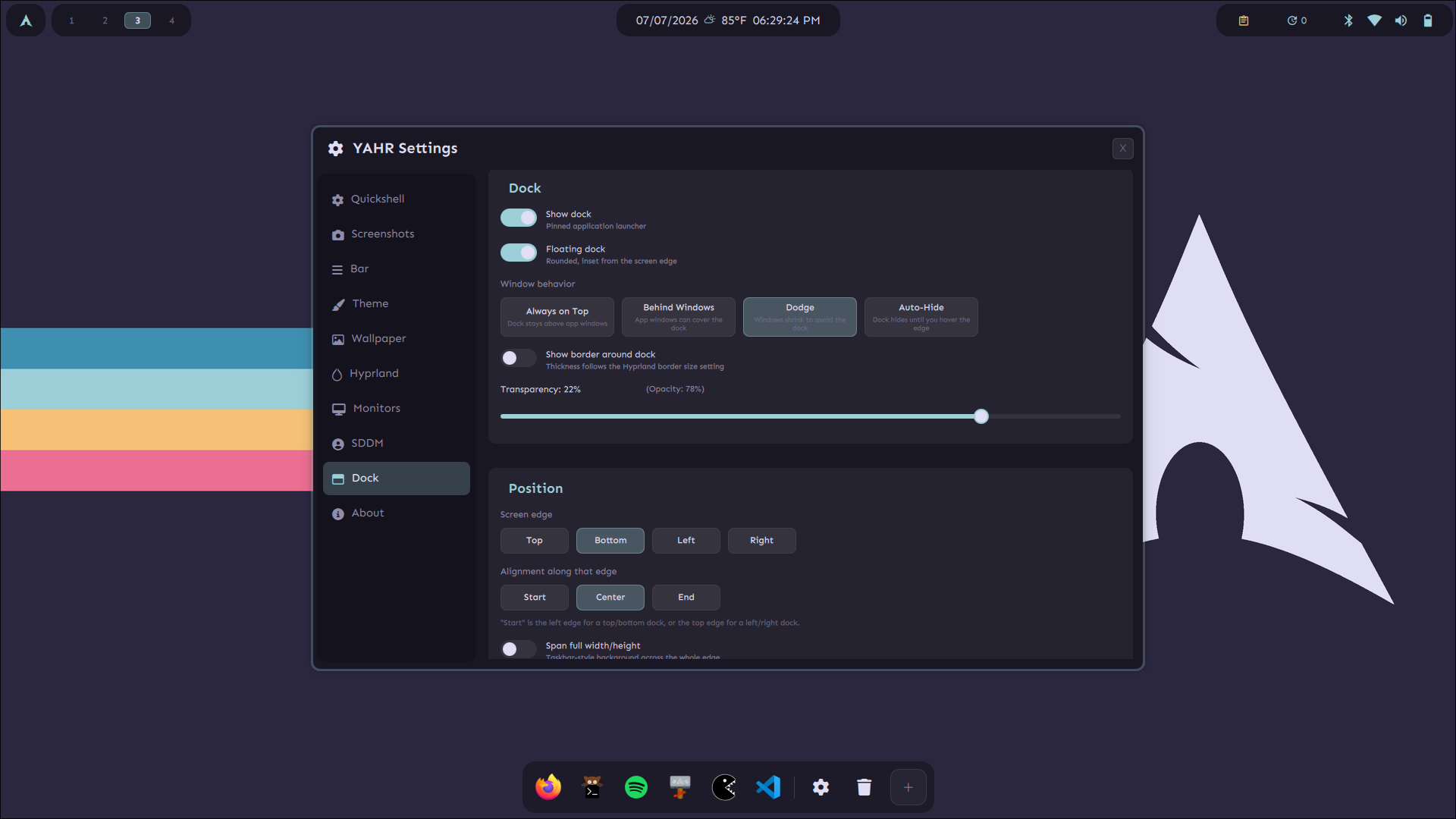
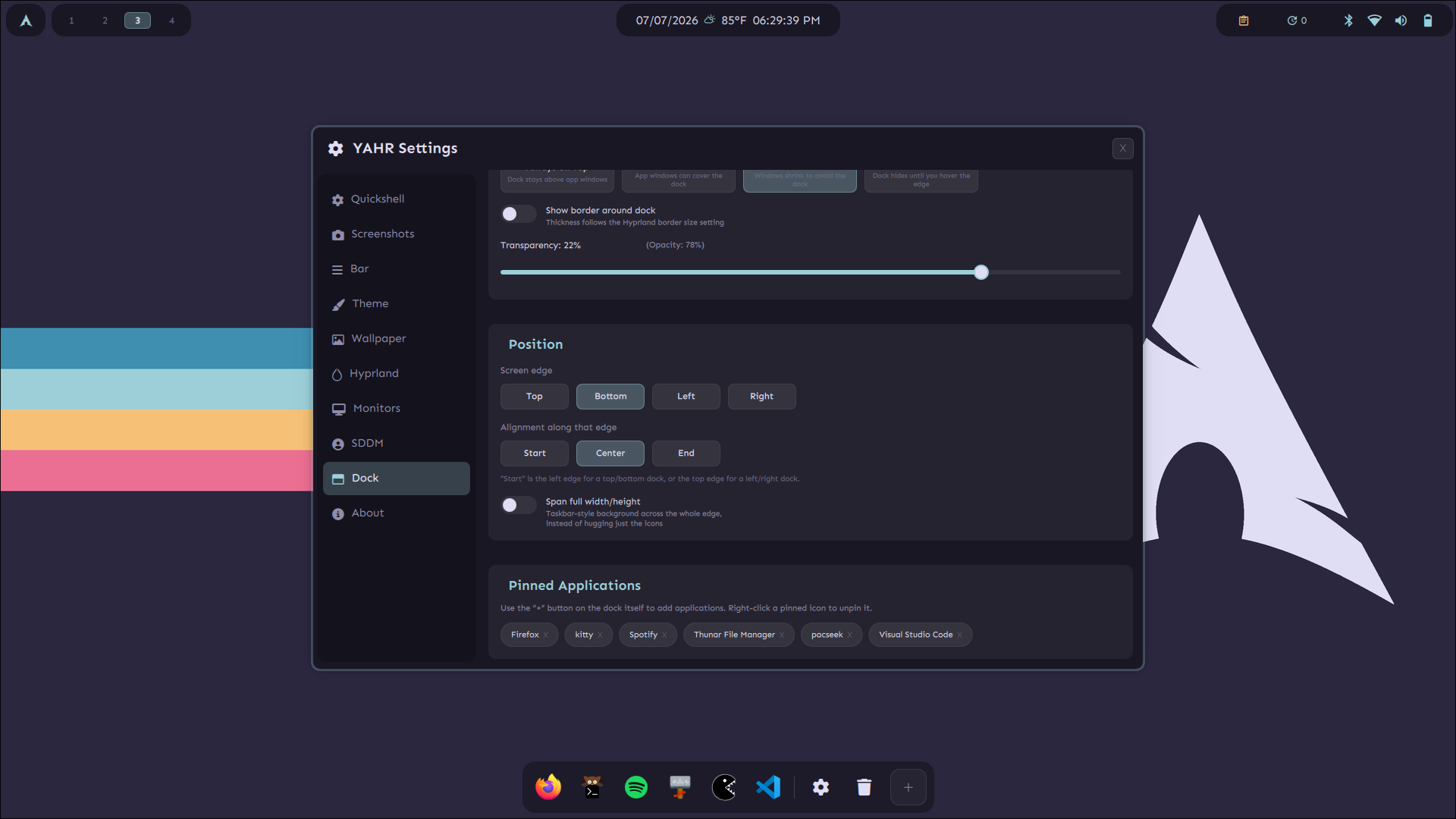





The most important shortcuts to get you up and running. Full keybind list in hypr/keybinds.conf.
Solutions to the most frequently encountered problems. If your issue isn't here, open a GitHub ticket.
The best way to diagnose is to launch Quickshell from a terminal so you can see the full error output.
quickshell directly in a terminal and read the error message carefully.which quickshell (should return a path like /usr/bin/quickshell).quickshell --replace &ls ~/.config/quickshell/WAYLAND_DISPLAY and HYPRLAND_INSTANCE_SIGNATURE are set.Install failures are usually caused by a temporary network issue, a changed AUR package URL, or a pacman database lock.
sudo rm /var/lib/pacman/db.lcksudo pacman -Sysudo pacman -S <package> or yay -S <aur-package>sudo reflector --latest 10 --save /etc/pacman.d/mirrorlistNVIDIA on Wayland requires specific kernel parameters and module configuration. The installer sets these up automatically, but here's what to check if something's off.
nvidia-smi should show your GPU. If not, the driver isn't loaded./etc/mkinitcpio.conf — MODULES should include nvidia nvidia_modeset nvidia_uvm nvidia_drm.sudo mkinitcpio -P then reboot.cat /proc/cmdline — look for nvidia-drm.modeset=1.LIBVA_DRIVER_NAME, GBM_BACKEND, and __GLX_VENDOR_LIBRARY_NAME env vars in hypr/variables.conf.Some applications need a restart to pick up new theme colors. Others sync live.
~/.config/hypr/.current-theme to see what theme is active.~/.config/quickshell/settings.json — the theme field should match.~/.config/quickshell/switch-theme.sh Catppuccinquickshell --replace &SDDM sync requires a sudoers rule created during installation. If you skipped SDDM installation, this rule won't exist.
sudo cat /etc/sudoers.d/sddm-sync-yahr~/.config/quickshell/sync-sddm-theme.shsddm-greeter-qt6 --test-mode --theme /usr/share/sddm/themes/yahr-theme/usr/share/sddm/themes/yahr-theme/ exists and is owned correctly.YahrShell uses awww (not swww) as the wallpaper daemon. Make sure it's installed and that the last wallpaper path is valid.
awww is installed: which awwwcat ~/.config/quickshell/last-wallpaperawww-daemon & then awww img <path>hypr/autostart.conf — check that file if it's not starting on login.Audio is handled by PipeWire + WirePlumber. Check if the user services are running.
systemctl --user status pipewire pipewire-pulse wireplumbersystemctl --user start pipewire pipewire-pulse wireplumbersystemctl --user enable pipewire pipewire-pulse wireplumberpavucontrol) to verify devices are listed.wpctl status for WirePlumber device enumeration.GTK theme sync uses gsettings and settings.ini. Apps need to be restarted to pick up changes.
~/.config/quickshell/sync-gtk-theme.shgsettings get org.gnome.desktop.interface gtk-themenwg-look to apply and test GTK themes interactively.thunar -q && thunar &~/.config/quickshell/sync-firefox-theme.shThe YahrShell community is happy to help. When filing an issue, please include the following so we can diagnose quickly:
uname -r)quickshell --version)